attendance.ts
Attendance
Check in by QR code inside your office radius, see who is in, on break or late, and handle corrections with a reason and an admin approval.
↑↓ to moveEnter to openCtrlK anywhere
~/products/hrms.tsx
Attendance, leave, payroll and company accounts in one workspace, for teams of up to 70 people. One flat monthly price for the whole team.
~/products/hrms/src
attendance.ts
Check in by QR code inside your office radius, see who is in, on break or late, and handle corrections with a reason and an admin approval.
leaves.ts
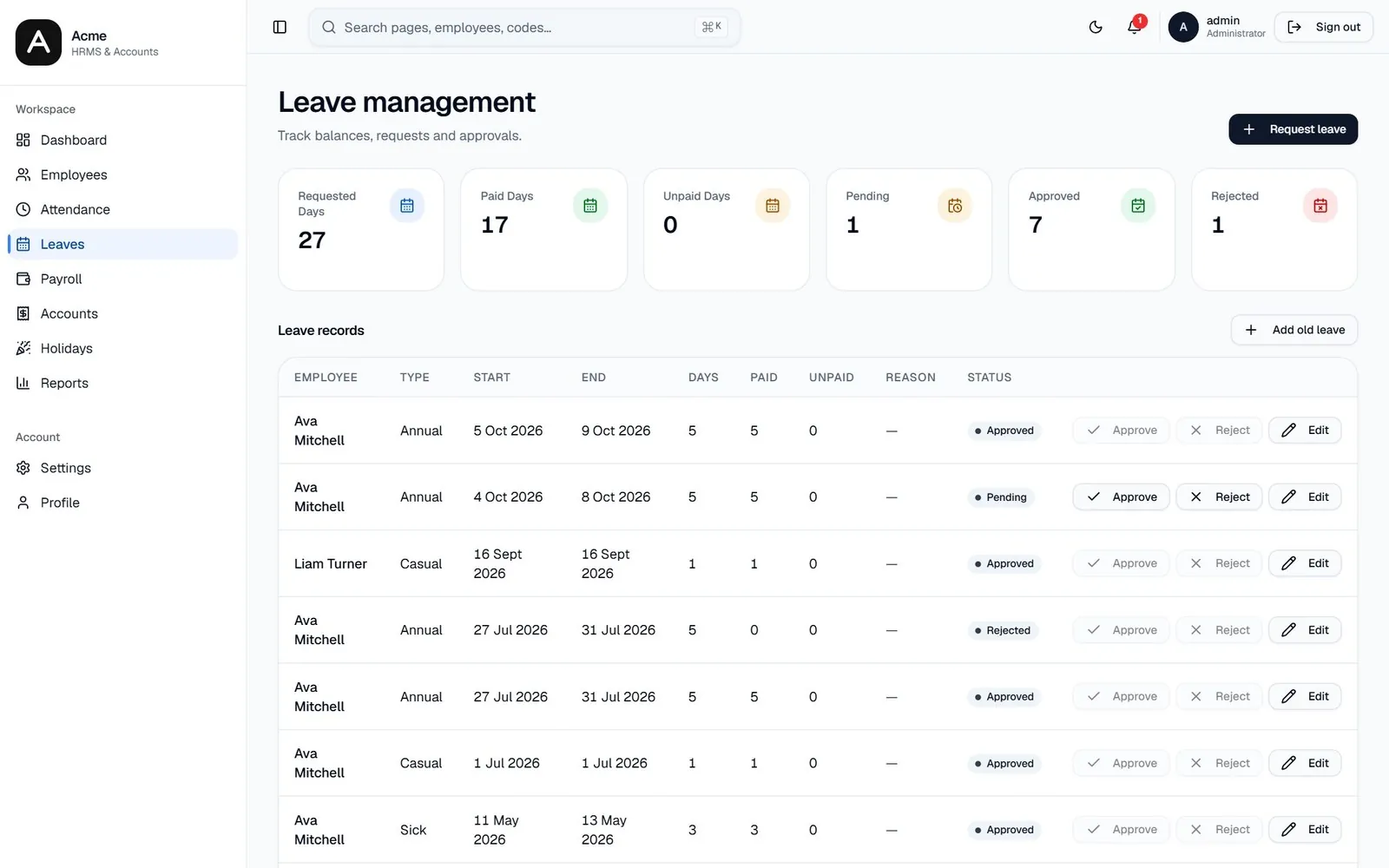
Employees request time off, admins approve in one click, and holidays and special working days stay in one calendar.
payroll.ts
Salaries with automatic deductions, and a payslip for every employee.
employees.ts
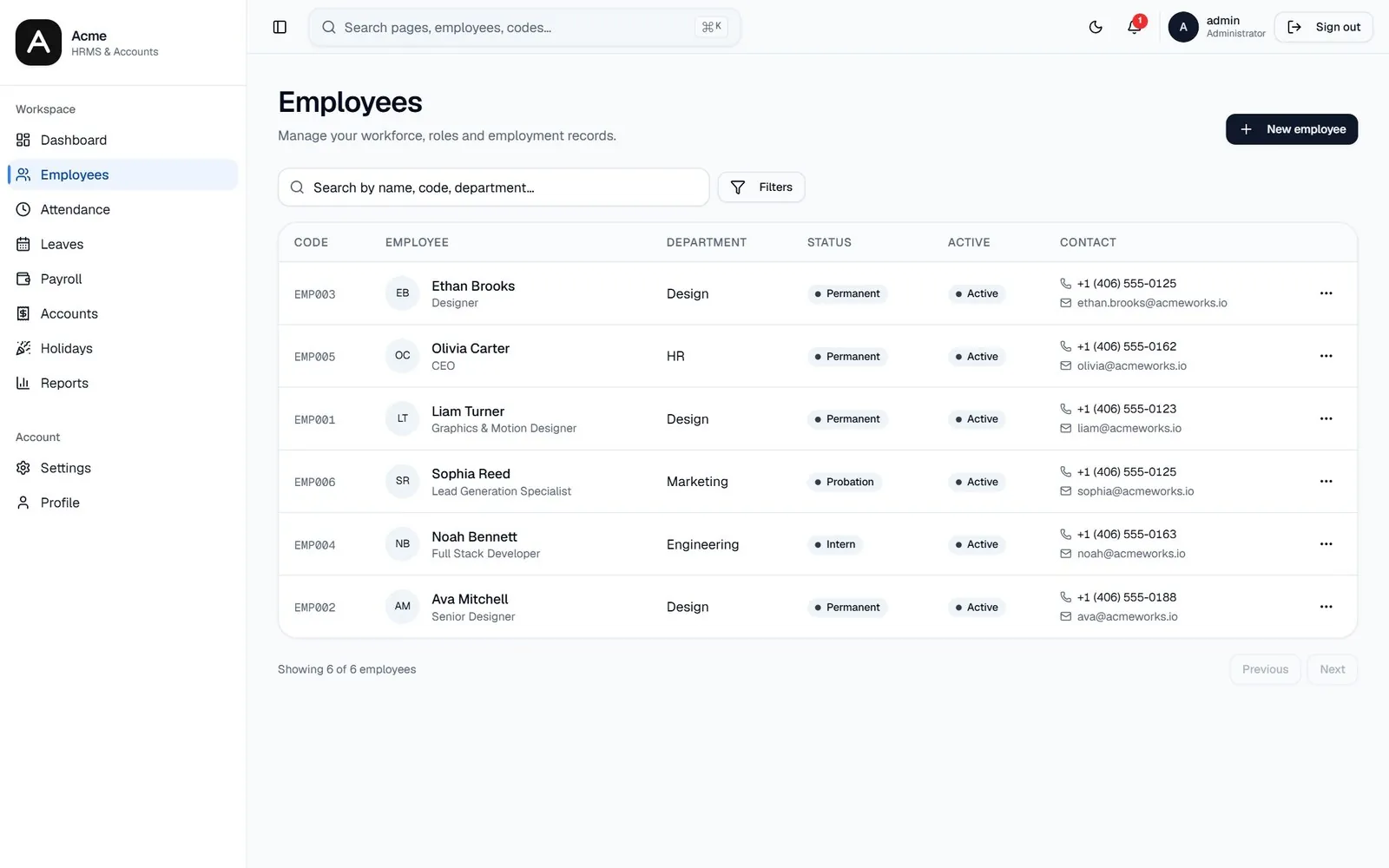
A full profile for every person, with salary breakdown and documents. Staff who leave are switched off, not deleted.
accounts.ts
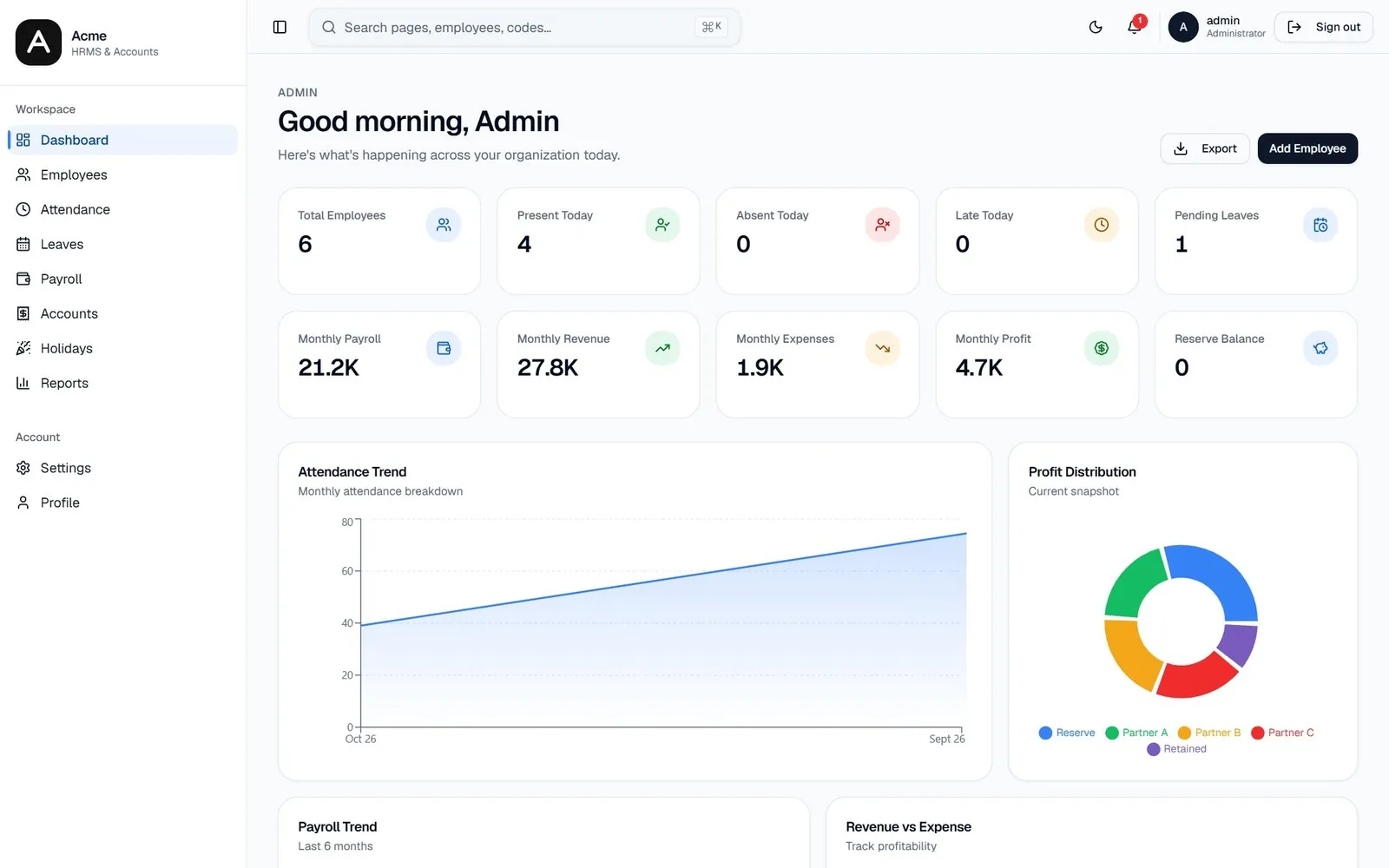
Revenue, expenses, reserve and profit distribution next to the payroll that feeds them.
reports.ts
Export attendance, payroll and accounts reports as PDF.
stack.md
React and ViteA fast app that opens quickly on office computers and phones.TanStack StartTyped routes keep the admin side and the employee side apart in one app.SupabasePostgres and a single API function, so there is one backend to run and update.VercelEach push deploys the app, with no server to patch.users.md
Approve leave, run payroll and fix attendance with a reason on record.
See revenue, expenses, reserve and profit next to the payroll that feeds them.
Check in, request leave and read payslips from any device.
benefits.md
cost.md
~/products/hrms/pricing.json
Pick the size of your team. The price is for the whole team, not per person.
$10/month
Up to 10 people
Start with 10 people$20/month
Up to 25 people
Start with 25 people$50/month
Up to 70 people
Start with 70 peopleMore than 70 people? Talk to us about a plan for your size.
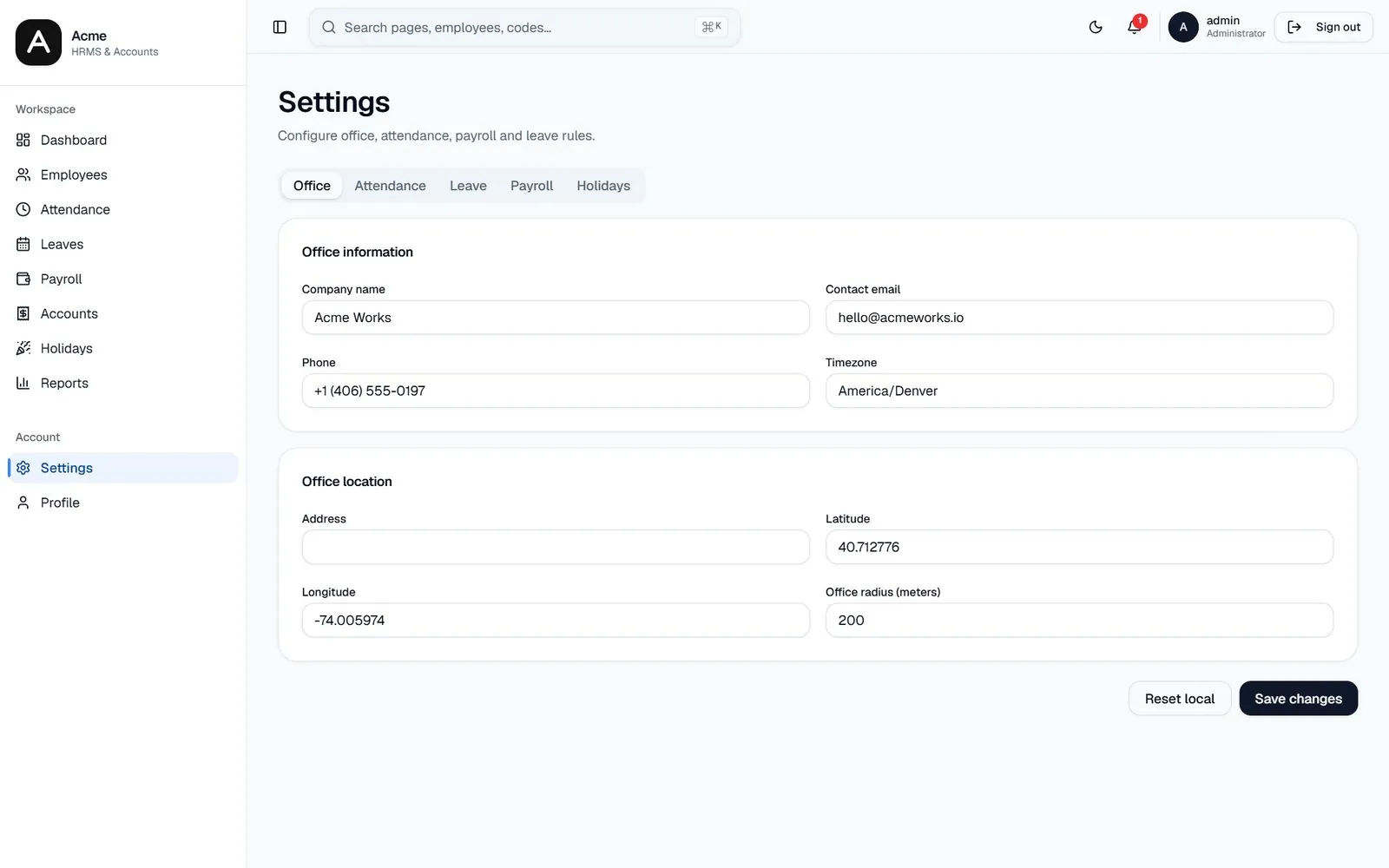
screens · 4
All names and numbers are demo data.
~/faq
No. You pay one flat monthly price for the team size: $10 for up to 10 people, $20 for up to 25 and $50 for up to 70.
Talk to us and we will work out a plan for your size.
No. Employees sign in from a browser on any device to check in, request leave and see their payslips.
~/start · new project
Tell us your team size and we will set you up.